Back to Featured Apps
Android Privacy Simplicity

HostOrigin

Website external resource and
hosting analysis tool.

HostOrigin scans the external resources used by a website and determines the geographic location of the servers hosting them.
HostOrigin App Screenshot

What HostOrigin does

HostOrigin scans a website URL and identifies external resources used by the page. Each resource is analyzed to determine the country where the server hosting it is located.

Scripts
Stylesheets
Images
Embedded Frames
Third-party Services
Videos
Fonts
Analytics
Widgets
Scanning resources...
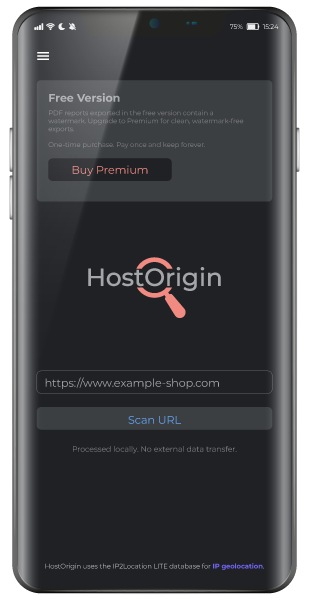
HostOrigin search screen

How the scan works

HostOrigin helps you understand where the resources used by a website actually come from.

When you enter a website URL, the application analyzes the external services and files that the page relies on — such as scripts, images, fonts, and other embedded resources. These resources are often hosted on different servers around the world.

HostOrigin identifies where those servers are located and shows you whether the resources are hosted within the European Union or outside the EU.

The result is a simple overview of the website's infrastructure footprint, helping you see how much of it depends on external services and where those services are located.

HostOrigin helps you:

Analyze external resources See hosting locations EU vs non-EU distribution Visualize dependencies

Privacy-first architecture

HostOrigin uses a mobile-first server-less architecture. All scan processing takes place on the user's device.

No scanning server is required, which means:

No remote storage

No scan data is stored remotely on any server.

Private analysis

Analysis remains completely private on your device.

Minimal costs

Infrastructure costs remain minimal with no server overhead.

Scan results

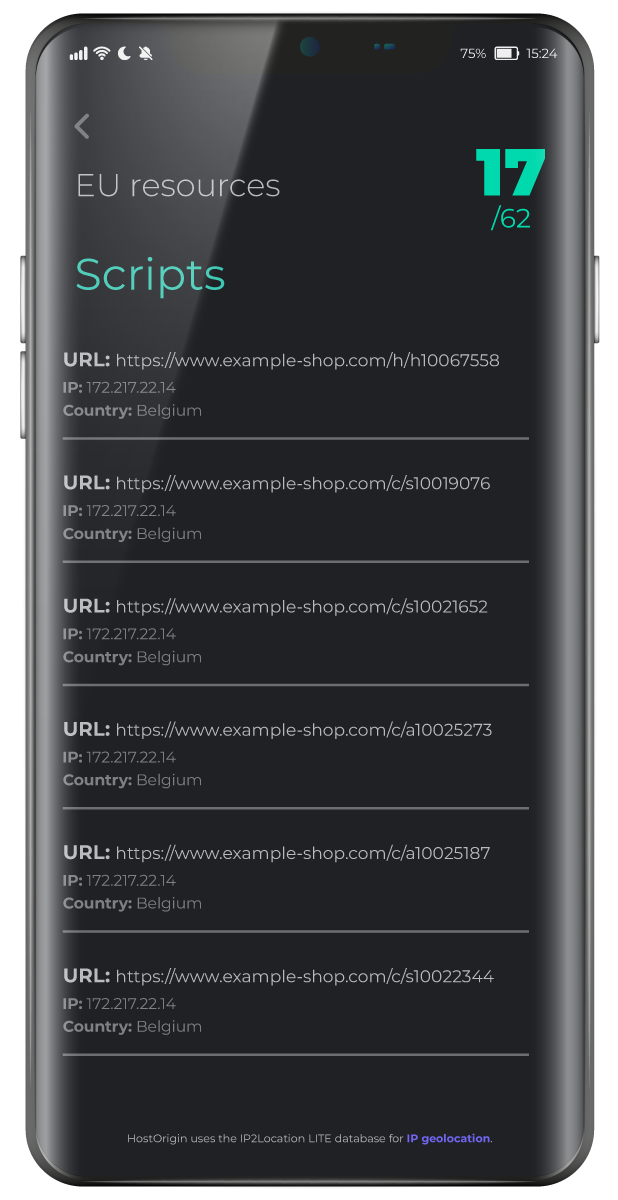
After the scan completes, HostOrigin presents the results as:

List of detected resources Server IP addresses Hosting country

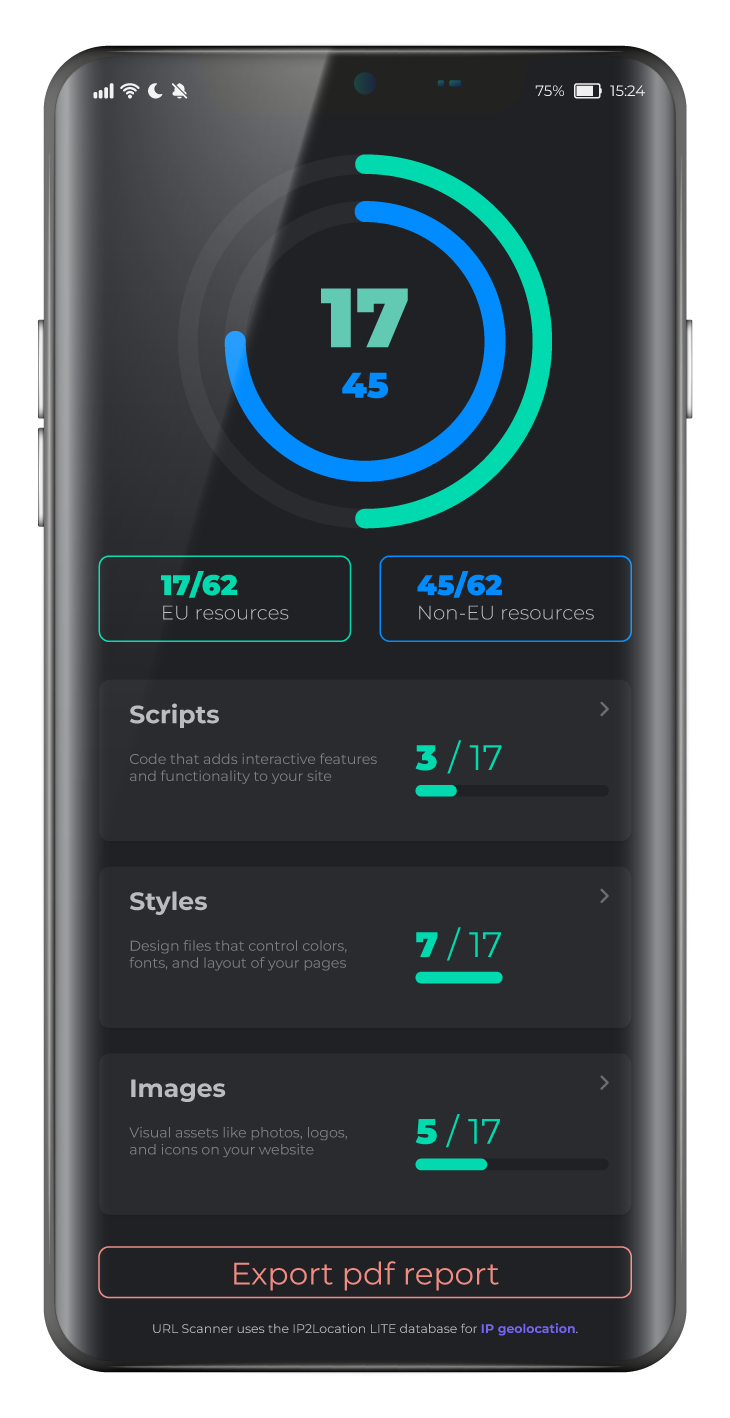
The results are also summarized visually in a pie chart showing the distribution of EU and non-EU resources.

HostOrigin result screen
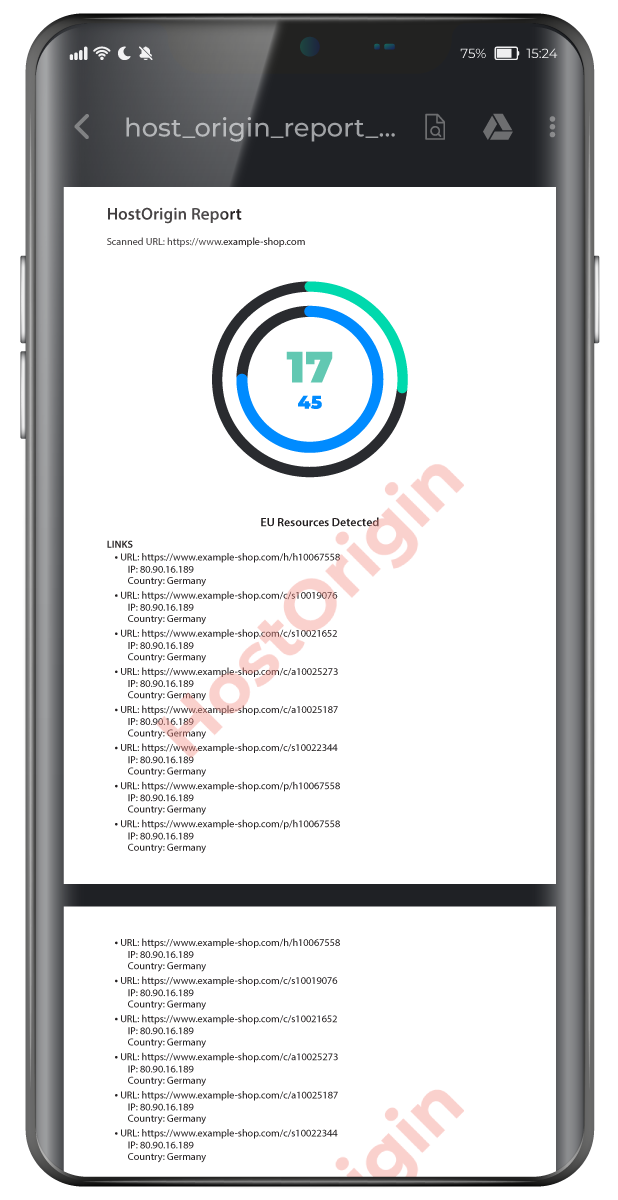
HostOrigin PDF report screen

PDF report

Users can generate a downloadable report containing:

Resource URL Server IP Country / Region EU vs non-EU distribution

The report is generated locally on your device.

Have a message for us? Let's Talk

contact@techorigin.eu
techorigin.eu
We use cookies, Google Analytics and Microsoft Clarity to analyze traffic and user behavior. Learn more